Delete your venue
Delete your venue with all your team's data. You have 30 days to change your mind; after that we erase everything for good.
Who can do this?
Admin
-
Open Venue data and scroll to Delete venue.
-
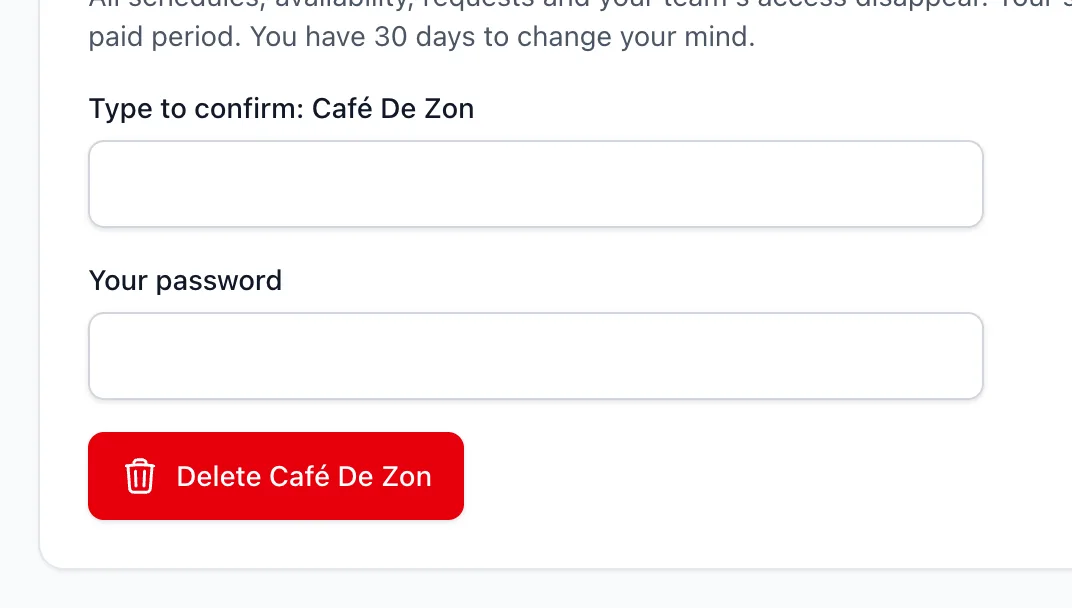
Type the name of your venue and your password to confirm.
-
Click Delete ….
What happens next?
- Your subscription stops at the end of the paid period.
- You have 30 days to change your mind. The page shows the date on which everything is erased; until then, click Cancel deletion to restore everything.
- After 30 days we erase all your venue's data for good.
Your staff's accounts remain if they also work at another venue. Otherwise they can delete their account themselves. See Delete your account.
Related articles
- Export all your venue's dataDownload a ZIP with all your venue's data as CSV files: staff, availability, schedules, requests and scheduled hours.
- Invoices, payment method and cancellingVia Payment details and invoices you download invoices, change your payment method or billing details and cancel your subscription.
- Delete your accountAsk us to delete your account via a confirmation link. Your name and details are erased; scheduled hours stay anonymously for the venue.
Didn’t find what you were looking for? Search again: