Copy last week's time blocks
Is your week roughly the same every time? Copy the time blocks and staffing of the previous week in one click, without people.
Who can do this?
AdminManager
Many cafés have the same opening hours every week. Then you don't have to create the blocks again each time.
- Open Make schedule and go to the week you want to prepare.
- Click Copy previous week (1).
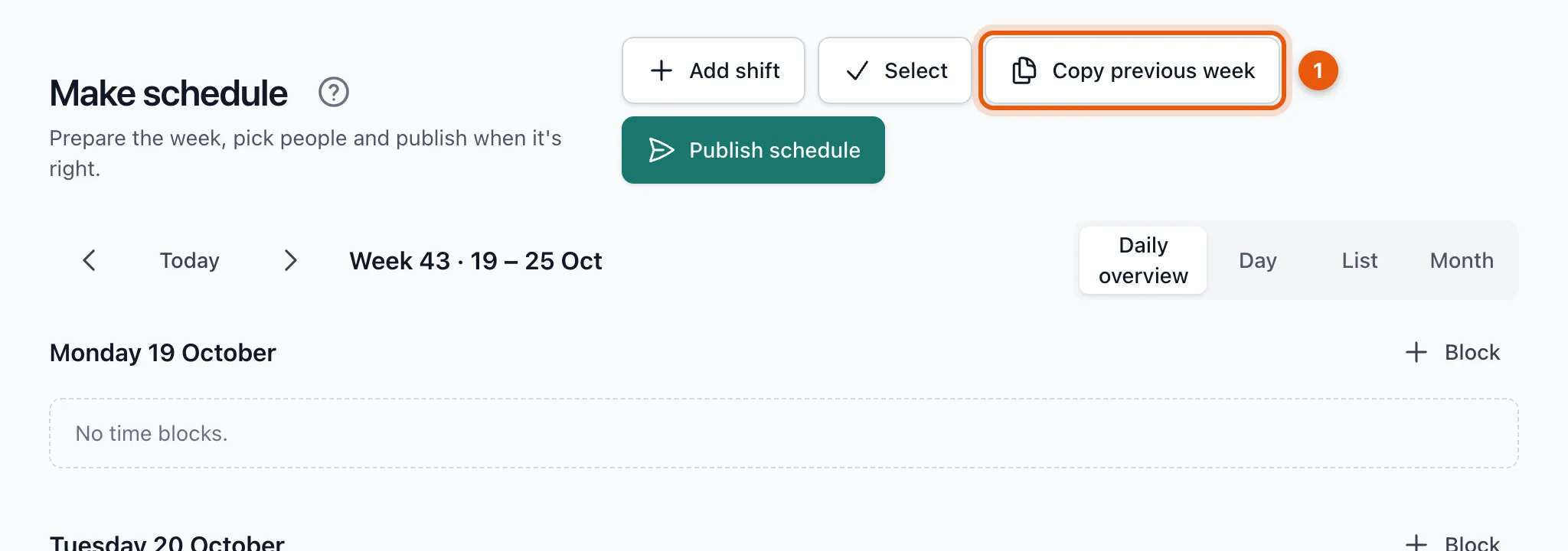
A message tells you how many blocks were copied.
What is copied?
- The time blocks of the week before, on the same weekdays and times.
- The staffing per position and the description.
- Not the people: every week you choose again who works, based on that week's availability.
Blocks that already exist this week aren't created twice. If they all exist already, you see All blocks from last week already exist this week.
Related articles
- Create and edit time blocksA time block is a period in which your venue needs people, with a number per position. How to create, edit, duplicate and delete them.
- Schedule peopleChoose who works for each position from the candidate list. You see who is available, how many hours they already work and who is busy elsewhere.
Didn’t find what you were looking for? Search again: