Export all your venue's data
Download a ZIP with all your venue's data as CSV files: staff, availability, schedules, requests and scheduled hours.
Who can do this?
Admin
Your data belongs to you. On Venue data you can download it at any time.
-
Open Venue data (admins only).
-
Under Export, click Request export (1).
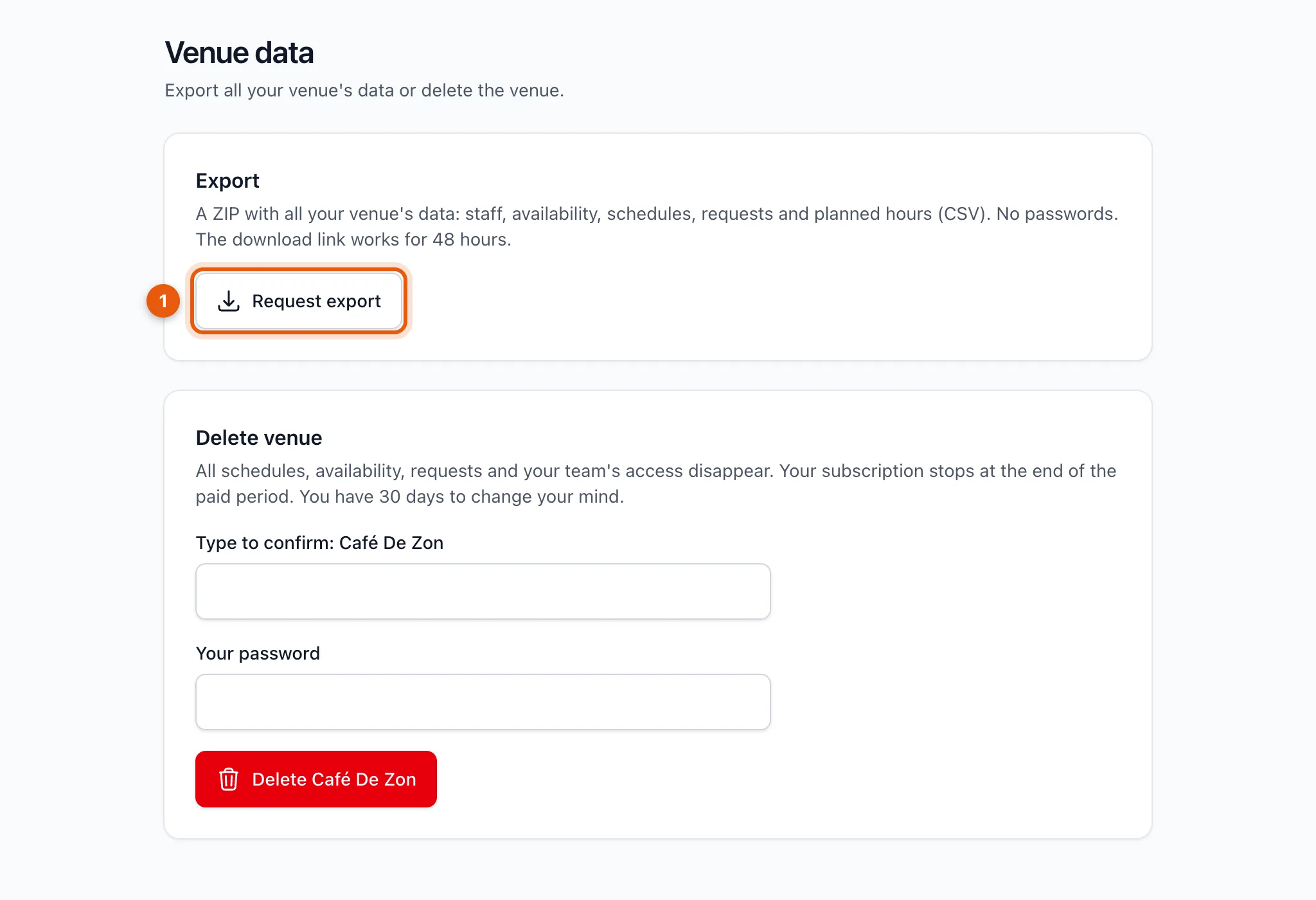
-
The file is being made; that takes a moment. You get a notification as soon as it's ready.
-
Click Download. The link works for 48 hours.
What's inside?
A ZIP with CSV files (open them in Excel): staff, availability, schedules, requests and scheduled hours. Passwords are never included.
Related articles
Didn’t find what you were looking for? Search again: