Draft and published
Everything you plan is first a draft that only planners can see. Your team only sees a shift after you publish it.
Who can do this?
AdminManagerSupervisor
BarPlanner has two states, so you can puzzle in peace without your team seeing every in-between version.
| Label | Means | Who sees it? |
|---|---|---|
| Draft | Not published yet. You can move things freely. | Admins, managers and supervisors |
| Published | Fixed. Scheduled people got a notification. | Everyone, in the Schedule |
| Change in draft | Published, but you changed something that isn't published yet. | The old version stays valid for your team |
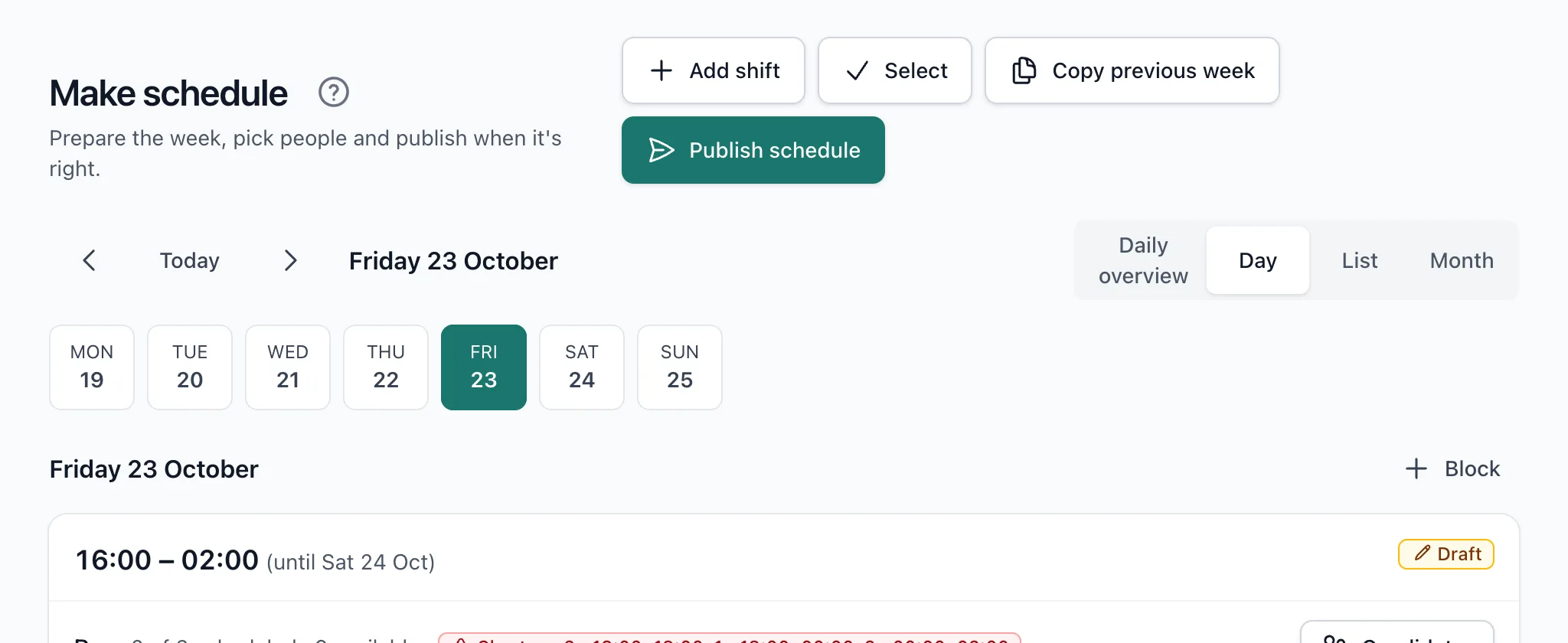
Why can't my team see the schedule?
Your team only sees published shifts. Does a block still say Draft (1)? Then publish it. See Publish the schedule.
Changing something after publishing
A change to a published block first becomes a draft. Until you publish again, the published version stays valid and that's what your team sees. So nothing ever changes without you deliberately pushing it through.
Related articles
- Publish the schedulePublish a selection, a week, a month or a period. Beforehand you see what changes and who gets a notification.
- Change or cancel a published shiftIf you change a published shift, the old version stays valid until you publish again. Cancelling notifies the people involved straight away.
- Plan and publish your first weekCreate time blocks, choose who works in each position and publish the week. Your team only sees the schedule after you publish.
Didn’t find what you were looking for? Search again: