Delete your account
Ask us to delete your account via a confirmation link. Your name and details are erased; scheduled hours stay anonymously for the venue.
Who can do this?
Everyone
-
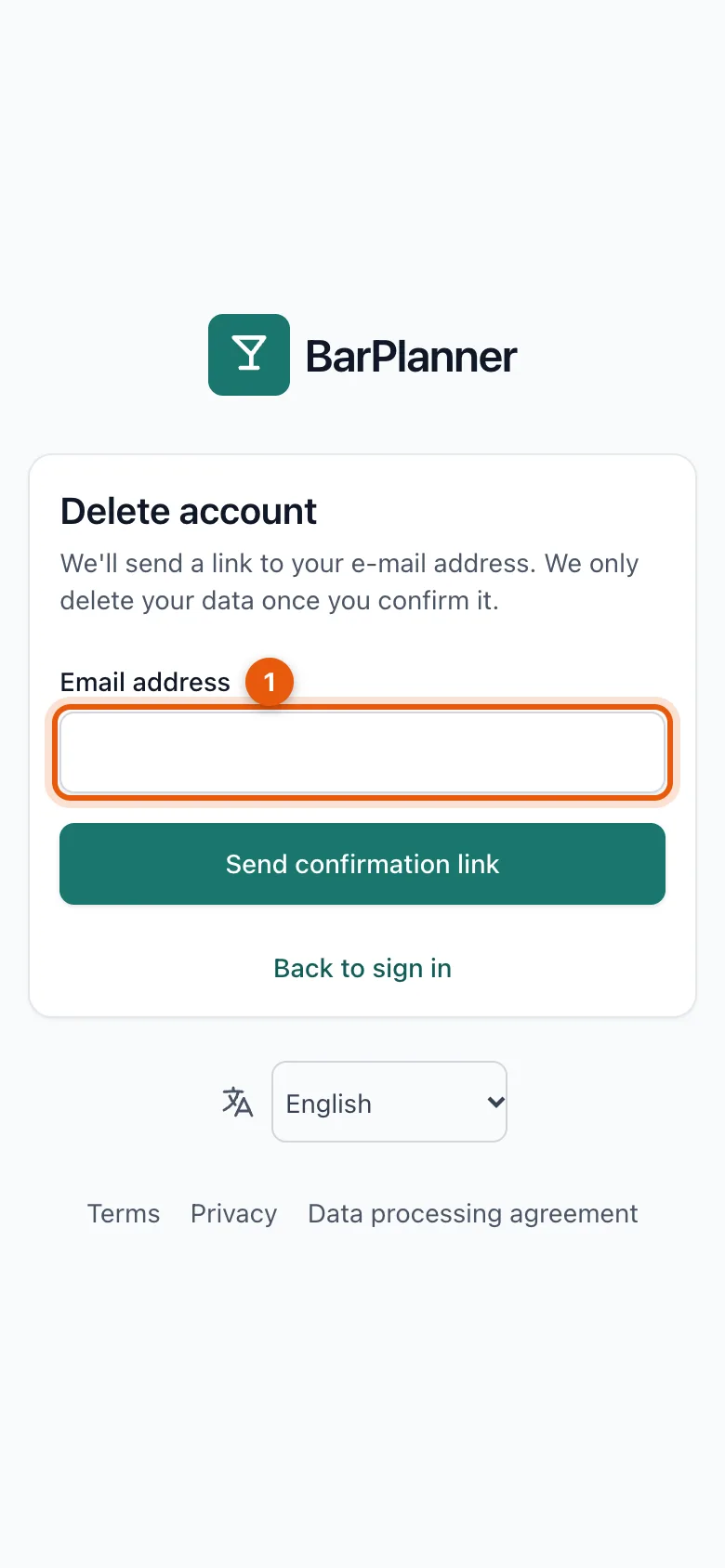
Open Delete account: via the link on the sign-in screen, or at the bottom of your profile.
-
Enter your email address (1) and tap Send confirmation link.
-
Open the email and confirm with the link. Only then do we delete your data.
What happens?
- Your name, email address, phone number and other personal details are erased. You can no longer sign in.
- Your notifications and sign-ins are deleted.
- In the schedules and hours of the venues where you worked, you remain as Verwijderd ("deleted"), so their history and payroll stay correct.
Related articles
- Your profile, language and passwordIn your profile you change your name, language, email address and password, and sign out on devices you no longer use.
- Revoke someone's accessSomeone no longer works for you? Revoke their access. The schedule and history are kept and the person no longer counts towards the price.
- Delete your venueDelete your venue with all your team's data. You have 30 days to change your mind; after that we erase everything for good.
Didn’t find what you were looking for? Search again: