Revoke someone's access
Someone no longer works for you? Revoke their access. The schedule and history are kept and the person no longer counts towards the price.
Who can do this?
AdminManager
- Open Users.
- Click Revoke access next to the person.
- Check what happens and confirm with Revoke access.
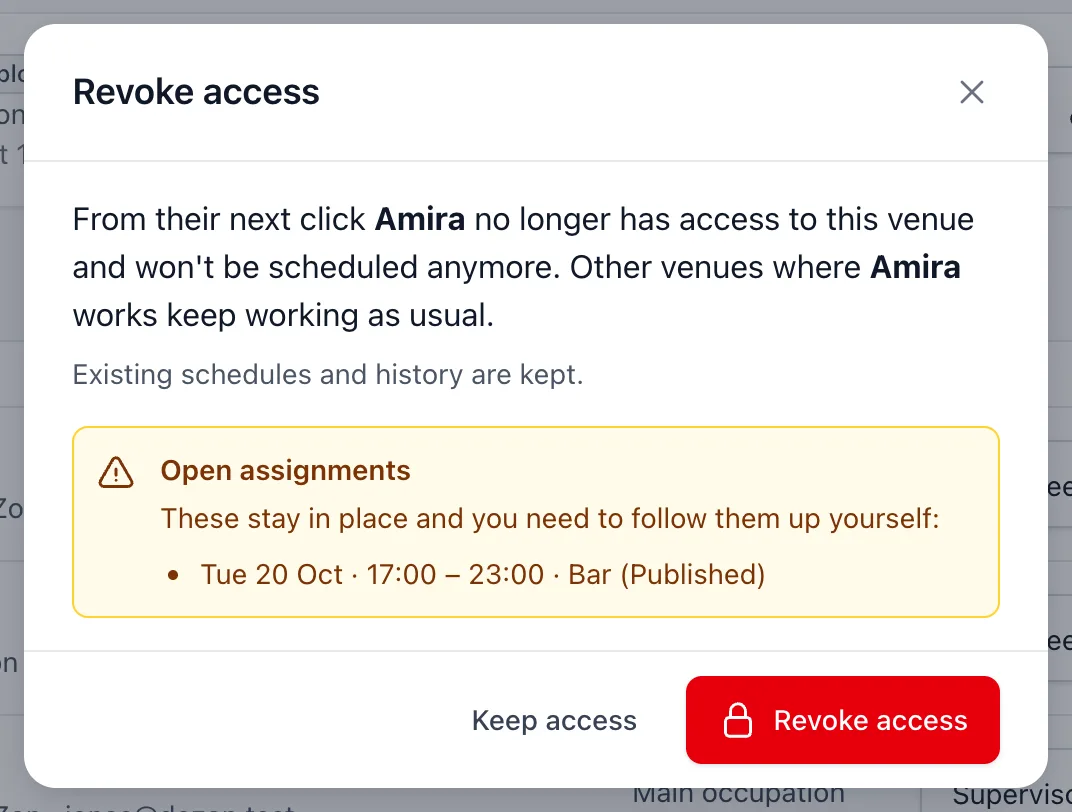
What happens?
- The person can no longer log in to your venue and is no longer scheduled.
- Do they work at another venue with BarPlanner? Nothing changes there.
- The schedule and history are kept, including in the hours and the export.
- Are they still scheduled in the future? Those assignments stay. You see a list to follow up: schedule a replacement via Make schedule.
- Deactivated people don't count towards your subscription.
Restore access
Someone comes back? You'll find them under Deactivated on the Users page. Click Restore access.
Related articles
Didn’t find what you were looking for? Search again: