Add a second venue
Have a second venue? Add it with the same account. It gets its own 30-day trial and its own subscription.
Who can do this?
Admin
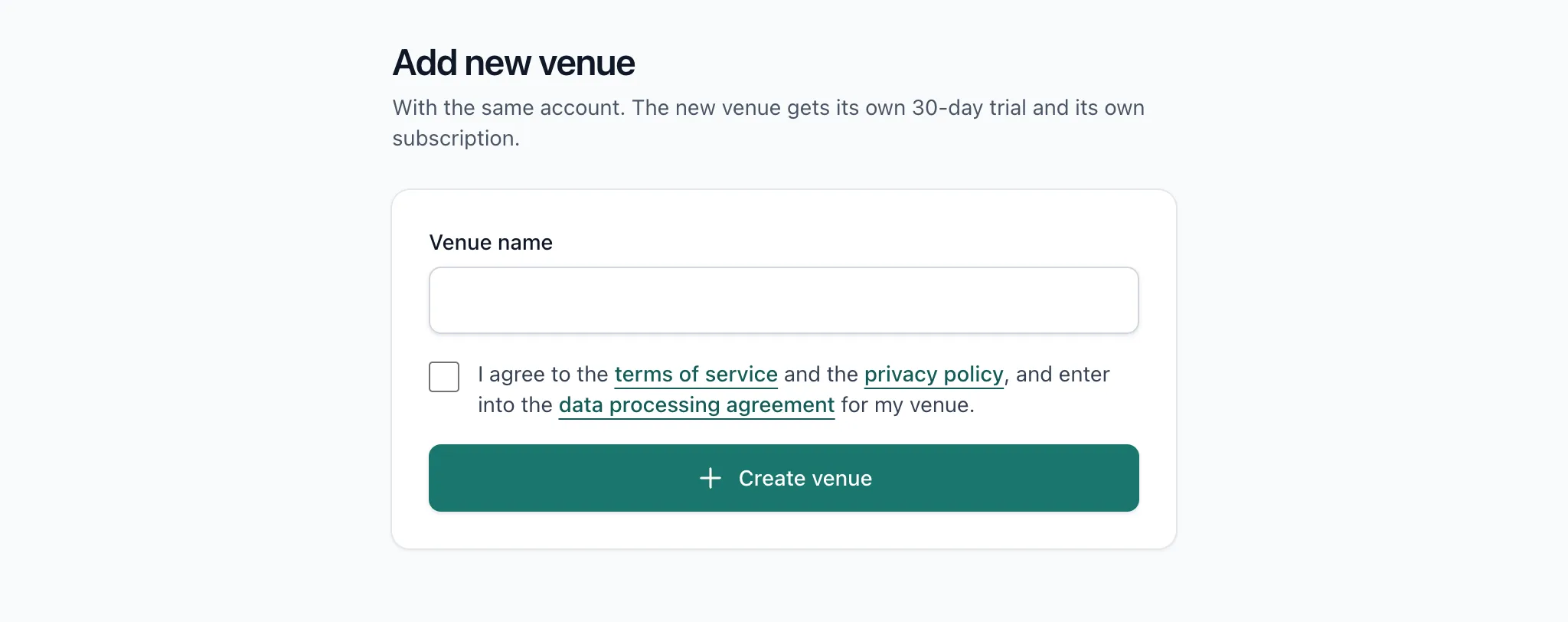
- Click the name of your venue at the top and choose Add new venue.
- Fill in the name of your venue and agree to the terms.
- Confirm. You go straight to the welcome wizard of the new venue.
Good to know
- Each venue has its own trial of 30 days and its own subscription.
- Staff and schedules aren't shared. Invite your team per venue; anyone who already has an account gets the venue added.
- You're the admin of the new venue.
Related articles
- Work at more than one venueWith one account you work at several venues. Switch venue at the top of the app; BarPlanner prevents you being scheduled at two venues at once.
- Create your venueCreate an account, confirm your email address and fill in your venue's details. You only decide whether to pay after the 30-day trial.
- Price and trial30 days free, no card needed. After that €20 a month excl. VAT for up to 15 active users, plus €10 for each extra block of 15.
Didn’t find what you were looking for? Search again: